Help with problems in practice
Connection
Separate credentials from the live connection
Check one boundary at a time so an account, credential, direct-access, or live-transport issue does not get mistaken for another problem.
FirstOpen API Configuration and confirm the approved EcoFlow developer account, region, and credentials are current.
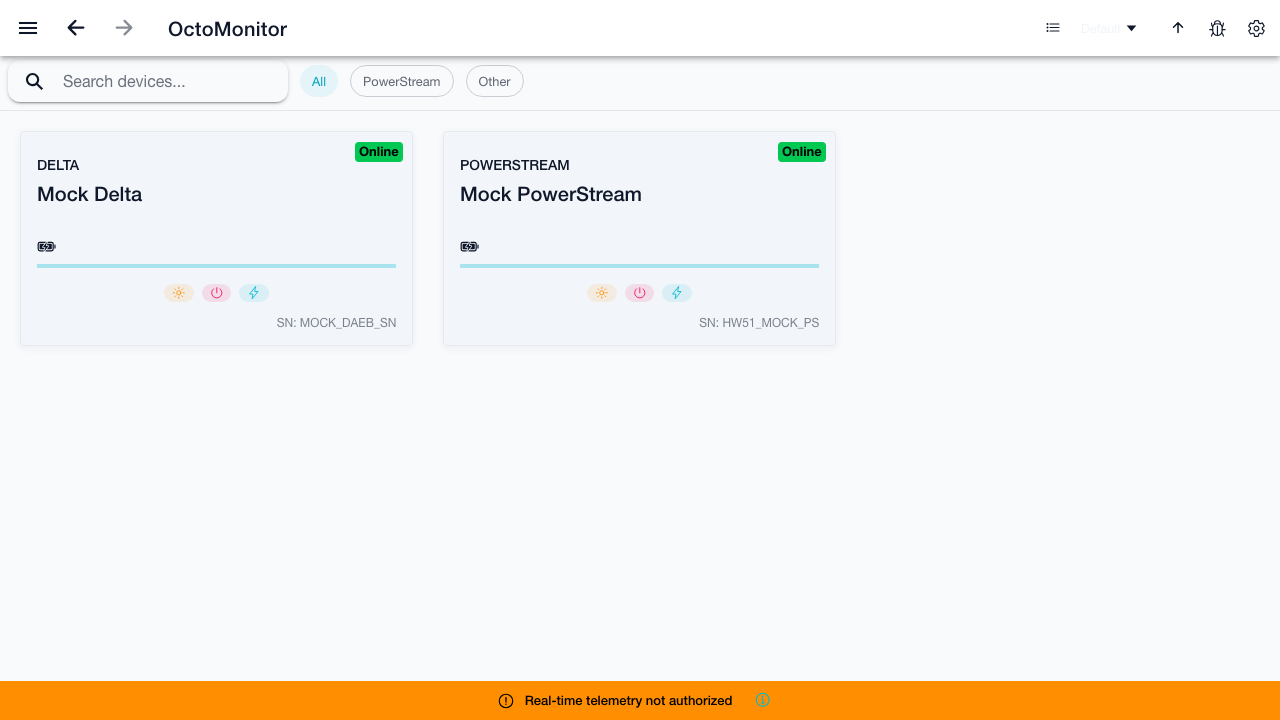
ThenIf authentication passes, open Direct EcoFlow Device Access, then Telemetry Live diagnostics to compare backup API and MQTT connection state.
Record
- OctoMonitor app version and runtime: browser, PWA, Android, or iOS.
- Selected EcoFlow region, exact timestamp, and the visible authentication or connection status—never the API key or secret.
- Whether the official EcoFlow app can see the device at the same time.
Ready to try OctoMonitor?
Open the app when you are ready to compare the guide with your own device and runtime.
Open OctoMonitor