Everyday monitoring in practice
Daily system check
Know whether today’s view is trustworthy
Start with current state, compare the recent record, and verify that local coverage is complete enough before treating a value as a real change.
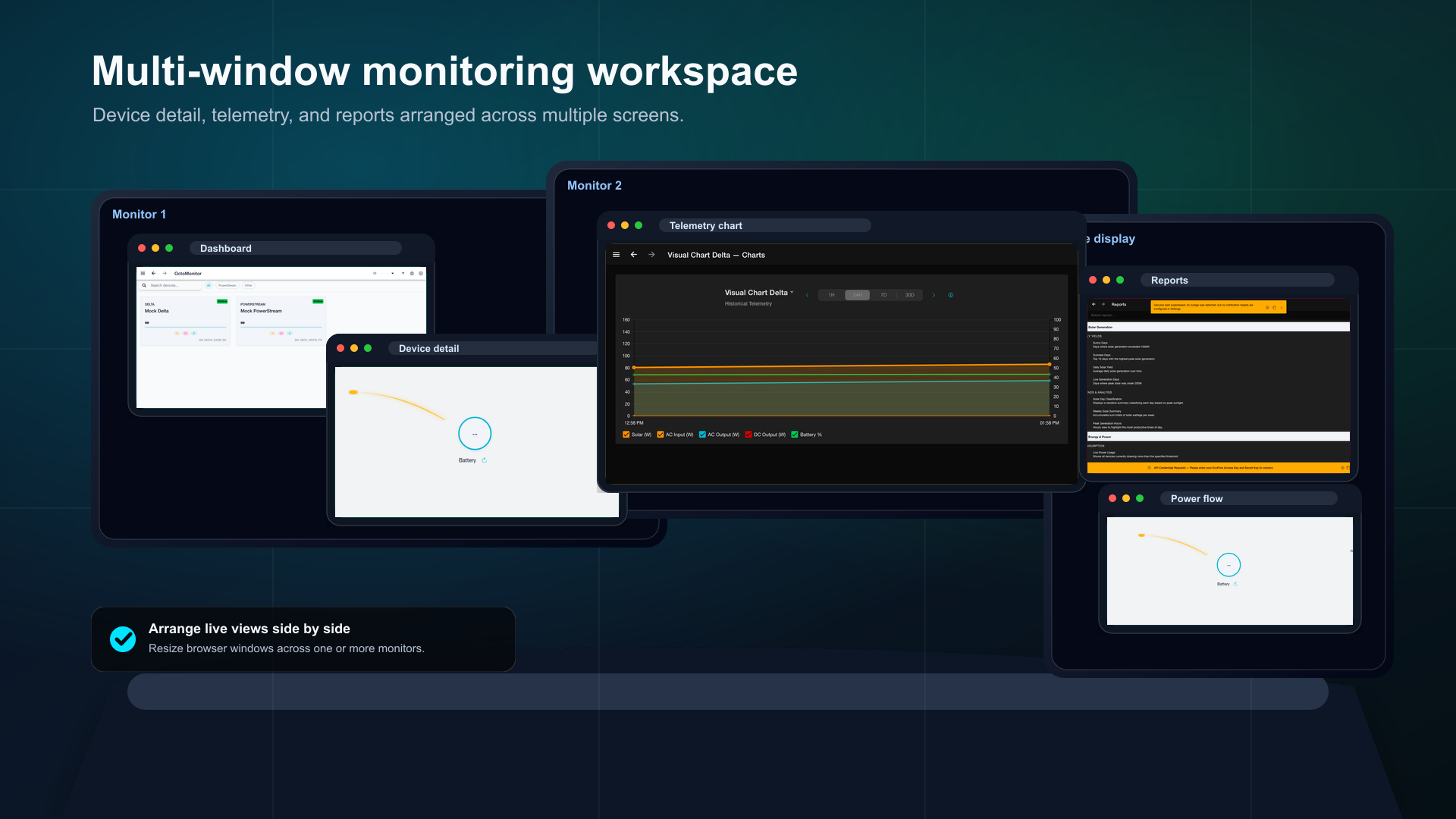
- See now: Scan the DashboardReview current battery, solar, input, output, connection state, and visible warnings across your devices. Open Dashboard
- Compare history: Check Telemetry HistoryUse timestamps and adjacent readings to decide whether the current value is stable, changing, or simply the latest sample. Open Telemetry History
- Verify coverage: Review Telemetry Coverage AnalysisConfirm which days and hours contain locally recorded telemetry before comparing periods or diagnosing a gap. Open coverage report
- Save your view: Build a focused Custom DashboardKeep the small set of live metrics you check together in one repeatable workspace. Open Custom Dashboards
ResultYou can explain the current state, whether it changed, and whether the local history is complete enough to support that conclusion.
Ready to try OctoMonitor?
Open the app when you are ready to compare the guide with your own device and runtime.
Open OctoMonitor