Notifications in practice
Local battery alert
Prove the battery signal can reach this device
A configured threshold is only useful when a trusted battery update is evaluated in an active-enough runtime and the local notification path is permitted.
- SignalA trusted battery update reaches OctoMonitor from live MQTT, REST polling, manual refresh, or an available native last-known snapshot.
- EvaluationBatteryAlertService checks the enabled low or high threshold and repeat step for that device before deciding whether this level is a new alert step.
- DeliveryBatteryAlertService sends a local browser or native notification through AppNotificationService. It does not use the outage Telegram or Pushover dispatcher.
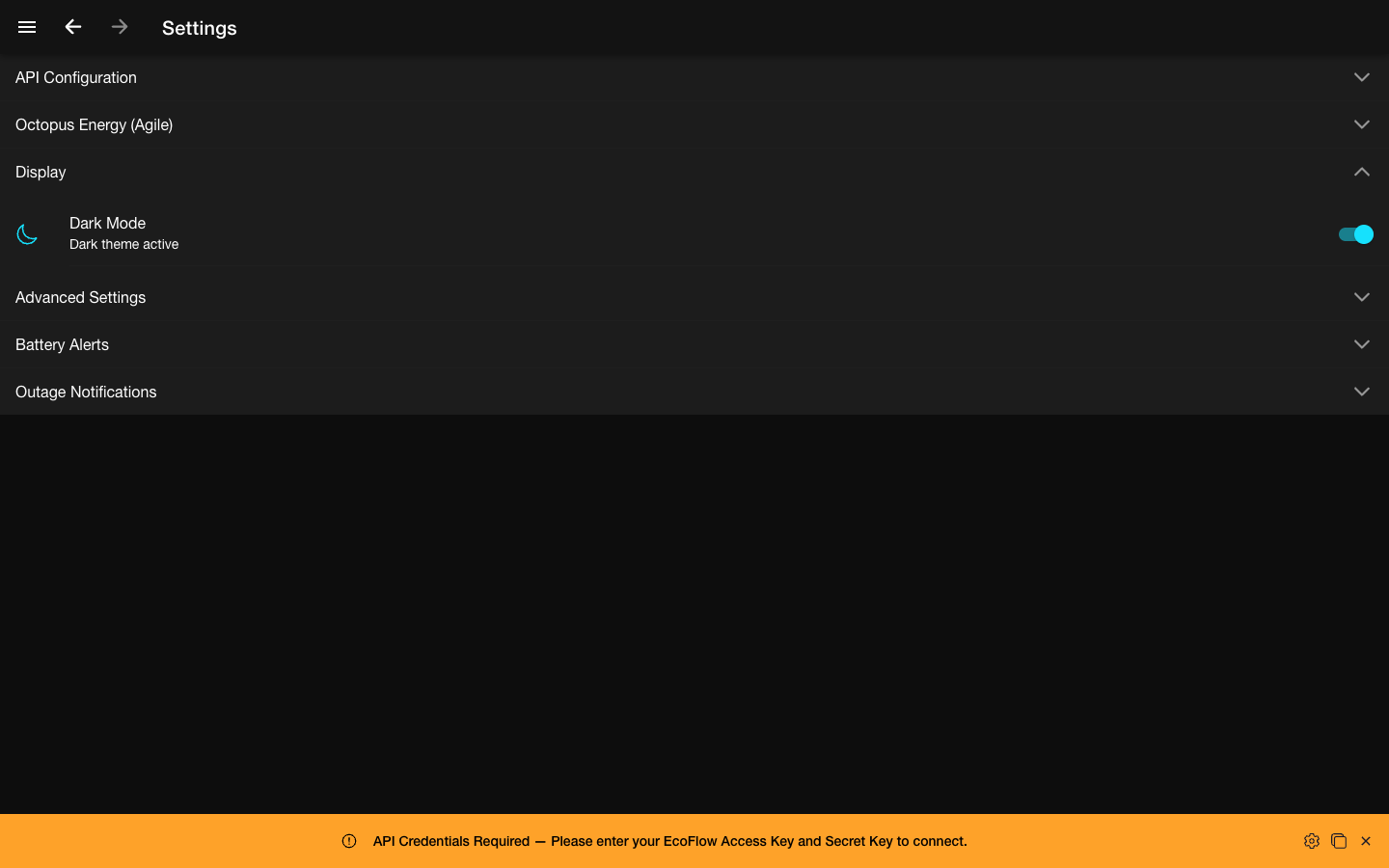
- VerifyGrant notification permission, use Send Test Notification to prove the local path, then review Battery Alerts and a current trusted battery reading before relying on the threshold.
Ready to try OctoMonitor?
Open the app when you are ready to compare the guide with your own device and runtime.
Open OctoMonitor